


Alright, let’s be honest. If you’ve ever grabbed an image off the internet thinking, “It’s just a picture, what’s the worst that could happen?”, you’re not alone. I’ve done it. And honestly, it’s a little scary when you realize that the picture could actually get you into trouble.
Over the years, I’ve learned that understanding stock media licensing doesn’t need to be complicated — you just need to know a few key things. Here’s what I usually tell people when they ask me how to avoid copyright headaches, especially when sourcing images or videos for business.
Royalty-Free Doesn’t Mean Totally Free
One of the most common misunderstandings is “royalty-free.” People think it means free to use anywhere, anytime. It doesn’t. It simply means you don’t have to pay royalties each time you use the asset.
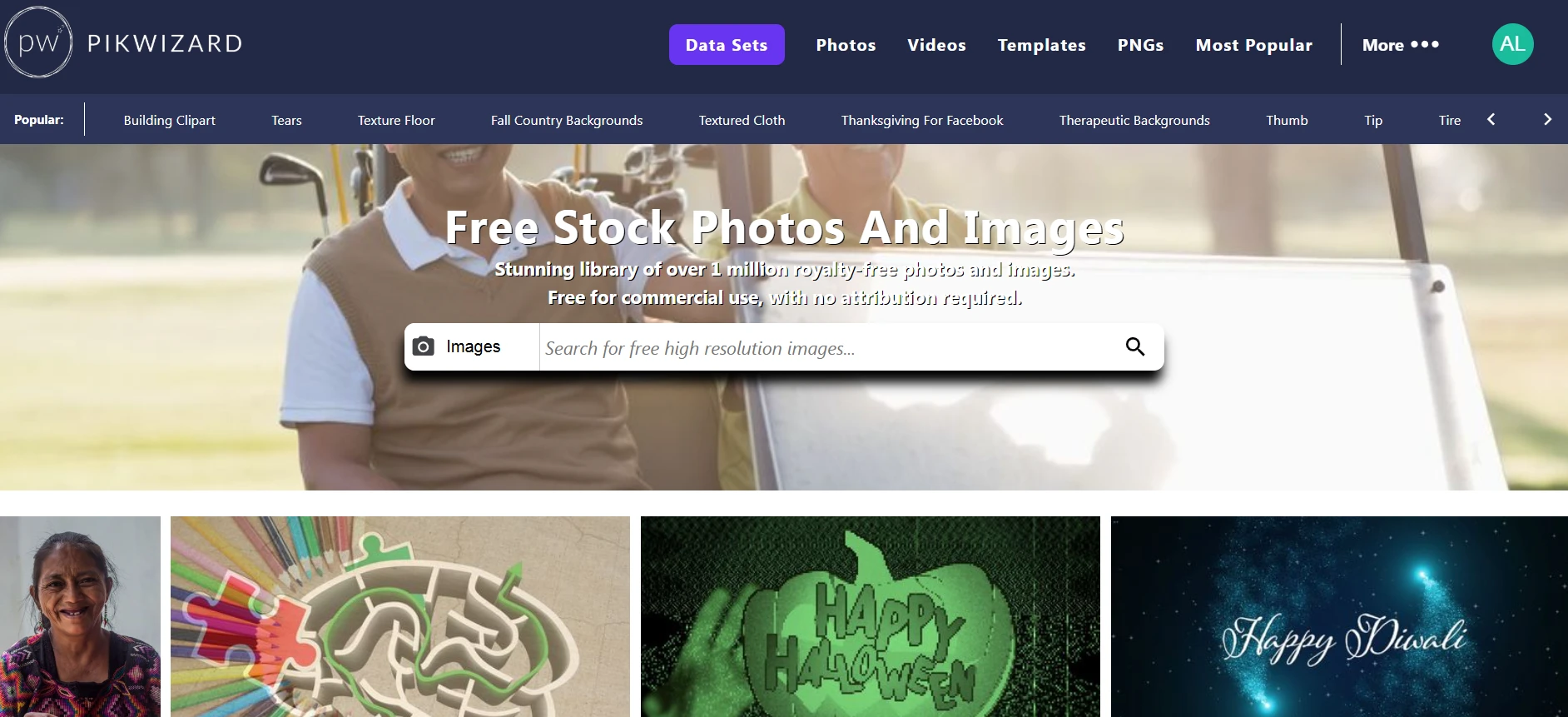
Some sites charge a one-time fee, while others — like Pikwizard free stock library — let you download and use images for free. After that, you can use them multiple times for websites, social media, or even ads without paying again. The only thing to check is whether attribution is required.
Creative Commons: Free, But Read the Rules
Creative Commons (CC) licenses are great because they let creators share their work widely. The tricky part is that there are multiple types:
- CC0 (Public Domain): Completely free. No credit needed.
- CC BY: You must credit the creator, but commercial use is okay.
- CC BY-NC: Non-commercial only. Personal projects are fine, business projects are not.
- CC BY-SA: You can remix or adapt the work, but you must credit the creator and share under the same license.
I’ve made the mistake of skipping the details before, and trust me, it’s not worth the risk. Even a simple credit line like “Photo via Pikwizard” works perfectly.
Commercial Use: Know What You Can and Can’t Do
If your project is business-related — a website, social post, client presentation, or ad — you need images cleared for commercial use. Personal-use images won’t cut it.
That’s why I rely on Pikwizard for most projects. Every image is clearly marked for commercial use, which means I can focus on design instead of worrying about copyright.
 Free Stock Photo by Pikwizard.com
Attribution: When in Doubt, Give Credit
Even if attribution isn’t required, it’s polite and professional to credit the creator. It also helps your audience find the original source if they’re interested. A simple “Photo via Pikwizard” works just fine.
Practical Tips From Experience
- Keep a record of all stock images and videos you use — it can save headaches if a client asks.
- Avoid random Google Images — most are copyrighted.
- When using templates or PNGs, double-check the license for commercial use. Some free downloads are personal-use only.
Licensing might seem dull, but it’s one of those things that keeps your projects safe and professional. Once you get the hang of it, finding stock photos, videos, and templates becomes straightforward — and stress-free.
Do this right, and you can focus on creating content that actually works, without worrying about copyright headaches later.
FAQ: Stock Media Licensing & Staying Out of Copyright Trouble
1. Is it really that risky to just grab an image from Google?
Short answer: yes.
Most images you see in Google Image Search are not free to use. They’re usually:
- Copyrighted by the photographer, brand, or platform
- Licensed only for specific uses (often not commercial)
Even if there’s no watermark, that doesn’t mean it’s free. I treat Google Images as a search engine, not a stock library. I only use images from:
- Proper stock sites (like Pikwizard, Pexels, Unsplash, etc.)
- Assets I’ve purchased or that clients have provided
- My own original photos or designs
If I can’t trace the source and license, I don’t use it.
2. What’s the difference between “royalty-free” and “rights-managed”?
These terms sound technical, but the difference is simple:
- Royalty-free (RF)
- Pay once (or sometimes not at all on free libraries).
- Use it multiple times within the license terms.
- No ongoing royalties per use or per view.
- Rights-managed (RM)
- License is tied to specific usage (e.g., one campaign, one region, one time period).
- You often pay based on where/how long the image is used.
- You may pay again if you want to reuse it in a new way.
Most free stock libraries (like Pikwizard’s free stock library) work on a royalty-free model, which is why they’re so practical for everyday business content.
3. How do I know if an image is okay for commercial use?
I always check three things on the image page:
- License type – Does it explicitly say it’s allowed for commercial use or “for commercial and non-commercial use”?
- Restrictions – Look for phrases like:
- “Not for resale as a standalone file”
- “No use in logos or trademarks”
- “Editorial use only”
- Attribution – Is credit required or optional?
If the license is vague or missing, I don’t use the asset for client or business work. I stick to platforms where “commercial use” is clearly stated upfront.
4. What does “editorial use only” actually mean?
“Editorial use only” means the image or video can be used in contexts like:
- News articles
- Blog posts reporting on real events
- Commentary, education, or analysis
It cannot usually be used for:
- Ads
- Product packaging
- Sales pages
- Promotional social media posts
So if I’m creating a landing page, ad campaign, or sales deck, I avoid anything labeled “editorial use only.”
5. Can I edit or modify stock images and videos?
In many cases, yes—but always within the license.
Commonly allowed edits:
- Cropping
- Color adjustments
- Adding text or overlays
- Combining with other graphics
Commonly restricted edits:
- Using the asset in a way that’s misleading or defamatory
- Editing people or brands into sensitive or offensive contexts
- Making it appear as if the person in the image endorses a product they’ve never agreed to support
I look for a line in the license like “You may modify the content” or “Adaptations allowed.” If it’s silent or unclear, I stay cautious.
6. Do I always have to credit the creator or stock site?
It depends on the license:
- Some licenses: Attribution required
- Others: Attribution appreciated but not required
- Some commercial libraries: No attribution required at all
Even when not required, I often recommend credit like:
Photo via Pikwizard
It’s polite, transparent, and shows you’re using legitimate sources—especially helpful for blogs and content marketing.
7. What about people in photos—do I need a model release?
If a person is recognizable and you’re using the image in a commercial context, then a model release is typically required.
Most reputable stock libraries handle this for you by:
- Clearly stating whether the image is model-released
- Flagging content that’s only allowed for editorial use
I avoid using photos of people for ads or promotional materials unless I’m confident the image is properly cleared and licensed for that use.
8. Can I use stock images in logos, trademarks, or brand marks?
Generally: no, don’t do this.
Most stock licenses—free or paid—do not allow using assets:
- As part of a logo
- As a primary brand mark
- In anything you want to register as a trademark
Your logo should be unique and owned by you. I use stock images for marketing materials, not for the core branding that needs to be exclusive.
9. How long does a stock license last? Can it change later?
A typical royalty-free license is perpetual, meaning you can keep using the asset under the terms that applied at the time of download. However:
- The platform can change its terms going forward
- The asset might be removed from the library later
- Your existing use is usually still covered by the original license, but it’s smart to keep records
That’s why I always save proof (screenshots or PDFs) of:
- The image page
- The license text at the time of download
Especially for important or long-term client projects.
10. How do I keep track of what I’ve used and where it came from?
This is one of the easiest ways to look more professional and protect yourself:
- Keep a simple spreadsheet or asset log with columns like:
- File name / URL
- Source (e.g., Pikwizard, Pexels)
- License type (e.g., free for commercial use, attribution required)
- Project or client name
- Date downloaded
If a client ever asks, “Where did this image come from?” you have the answer in seconds.
11. Is using AI-generated images safer than using photos from Google?
AI imagery can be useful—but it’s not a magic copyright shield.
To use AI-generated images safely:
- Only generate/download them from tools that explicitly allow commercial use under their terms.
- Avoid generating obvious copies of real brands, logos, characters, or celebrities.
- Follow the platform’s content and usage guidelines.
I treat AI-generated assets the same way as stock: check the terms, avoid anything that could infringe on someone else’s rights or mislead viewers.
12. Do I need a lawyer to understand all this?
For everyday use of standard stock libraries: usually not. Learning the basics (like the ones above) is enough for most designers, marketers, and small business owners.
However, I always suggest talking to a qualified IP or copyright lawyer if:
- You’re doing a large campaign with big ad spend
- You’re unsure about a specific high-visibility use
- A client has strict legal or compliance requirements
Think of it this way: stock licensing is about reducing risk. Getting clarity upfront is a lot cheaper than dealing with a claim later.